-

Cùng tham gia nhóm của FuOverflow trên Facebook https://www.facebook.com/groups/nvh2fuoverflow

CSD201_-_HCM_-_BST_-_01_3459.webp
Bài viết gốc: Chủ đề 'CSD201 - HCM - BST - 01'
General Instructions
Read the instructions below carefully before starting the exam.
Allowed Materials and Tools
• Materials on the computer (including JDK, NetBeans)
 For distance learning: Google Meet, Hangout (for exam supervision)
Software tools to be used: NetBeans IDE 8.x and Java JDK 1.8
Steps to Complete the Exam
1. Create a folder to store project files, e.g., CSD_given (1). Download the provided materials
into (1).
2. Complete the exam requirements.
3. Before submission:
o Clean and Build Project (Shift+F11)
Then rename the dist folder to run. (If the run folder already exists, delete it before
renaming)
4. Submit your work:
°
To submit project Q1, first select Question number: 1
• Browse and select the project folder (e.g., Q1, or Q1A, or Q2, ...)
Then click the Submit button
5. Additional requirements:
Do not use Vietnamese with diacritics when writing comments in the program
Do not add new import statements to the provided files
Failure to comply with any of the above requirements will result in a ZERO grade.
Important Notes
The expected input and output examples are used only to check your code
The expected input and output in actual test cases (for grading) will be different from the
examples below
Do not hard code with the given expected results
FUO Troubleshooting
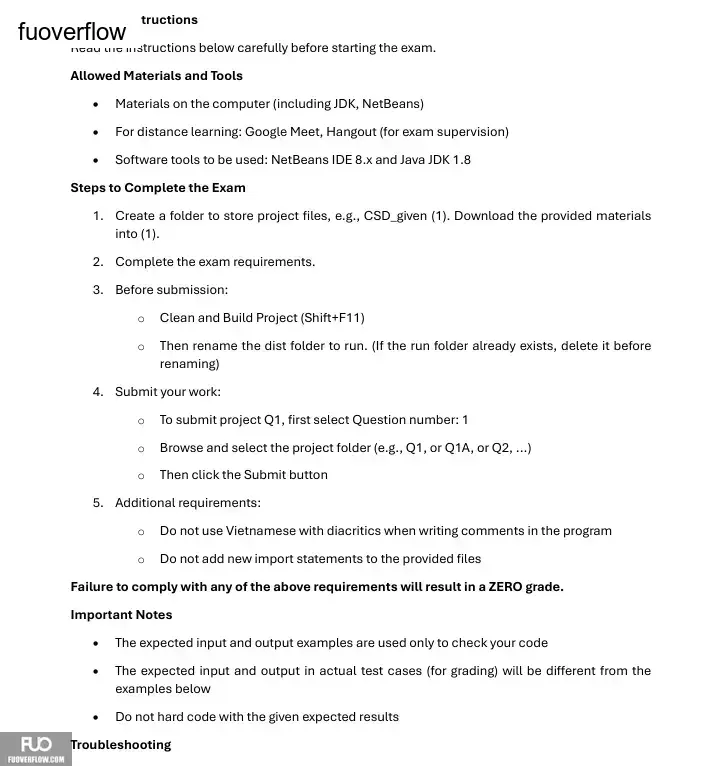
Read the instructions below carefully before starting the exam.
Allowed Materials and Tools
• Materials on the computer (including JDK, NetBeans)
For distance learning: Google Meet, Hangout (for exam supervision)Software tools to be used: NetBeans IDE 8.x and Java JDK 1.8
Steps to Complete the Exam
1. Create a folder to store project files, e.g., CSD_given (1). Download the provided materials
into (1).
2. Complete the exam requirements.
3. Before submission:
o Clean and Build Project (Shift+F11)
Then rename the dist folder to run. (If the run folder already exists, delete it before
renaming)
4. Submit your work:
°
To submit project Q1, first select Question number: 1
• Browse and select the project folder (e.g., Q1, or Q1A, or Q2, ...)
Then click the Submit button
5. Additional requirements:
Do not use Vietnamese with diacritics when writing comments in the program
Do not add new import statements to the provided files
Failure to comply with any of the above requirements will result in a ZERO grade.
Important Notes
The expected input and output examples are used only to check your code The expected input and output in actual test cases (for grading) will be different from theexamples below
Do not hard code with the given expected resultsFUO Troubleshooting