Instructions
Kizspy.me
•
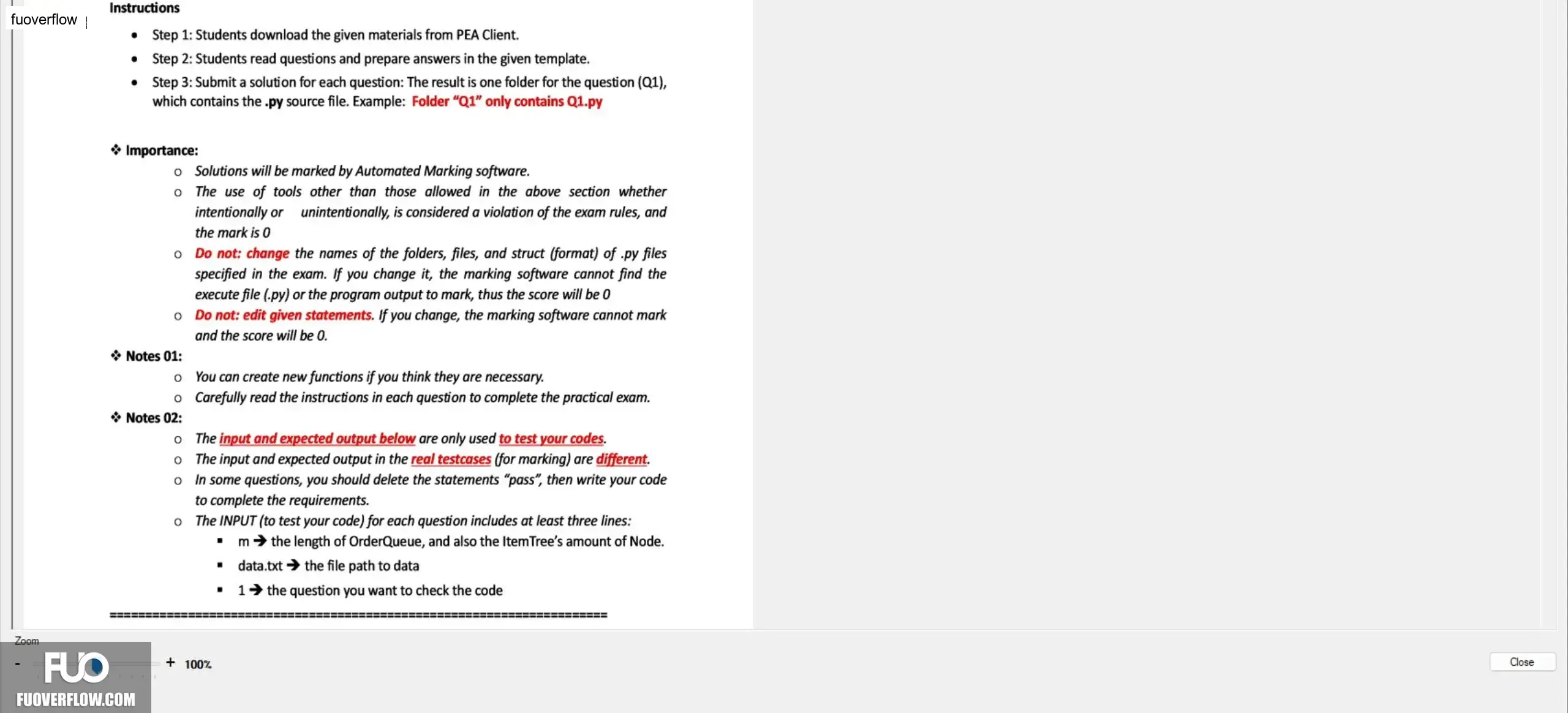
Step 1: Students download the given materials from PEA Client.
•
•
Step 2: Students read questions and prepare answers in the given template.
Step 3: Submit a solution for each question: The result is one folder for the question (Q1),
which contains the .py source file. Example: Folder "Q1" only contains Q1.py
✰ Importance:
o Solutions will be marked by Automated Marking software.
°
The use of tools other than those allowed in the above section whether
intentionally or unintentionally, is considered a violation of the exam rules, and
the mark is 0
• Do not: change the names of the folders, files, and struct (format) of .py files
specified in the exam. If you change it, the marking software cannot find the
execute file (.py) or the program output to mark, thus the score will be 0
• Do not: edit given statements. If you change, the marking software cannot mark
and the score will be 0.
✰ Notes 01:
。
You can create new functions if you think they are necessary.
Carefully read the instructions in each question to complete the practical exam.
✰ Notes 02:
°
The input and expected output below are only used to test your codes.
The input and expected output in the real testcases (for marking) are different.
Zoom
°
o In some questions, you should delete the statements "pass", then write your code
to complete the requirements.
o The INPUT (to test your code) for each question includes at least three lines:
"
m the length of OrderQueue, and also the ItemTree's amount of Node.
"
data.txt the file path to data
1 the question you want to check the code
+ 100%
========
Close