-

Cùng tham gia nhóm của FuOverflow trên Facebook https://www.facebook.com/groups/nvh2fuoverflow

CSD203_-_PE_-_De01_3966.webp
Bài viết gốc: Chủ đề 'CSD203 - PE - De01'
☑Kizspy.me
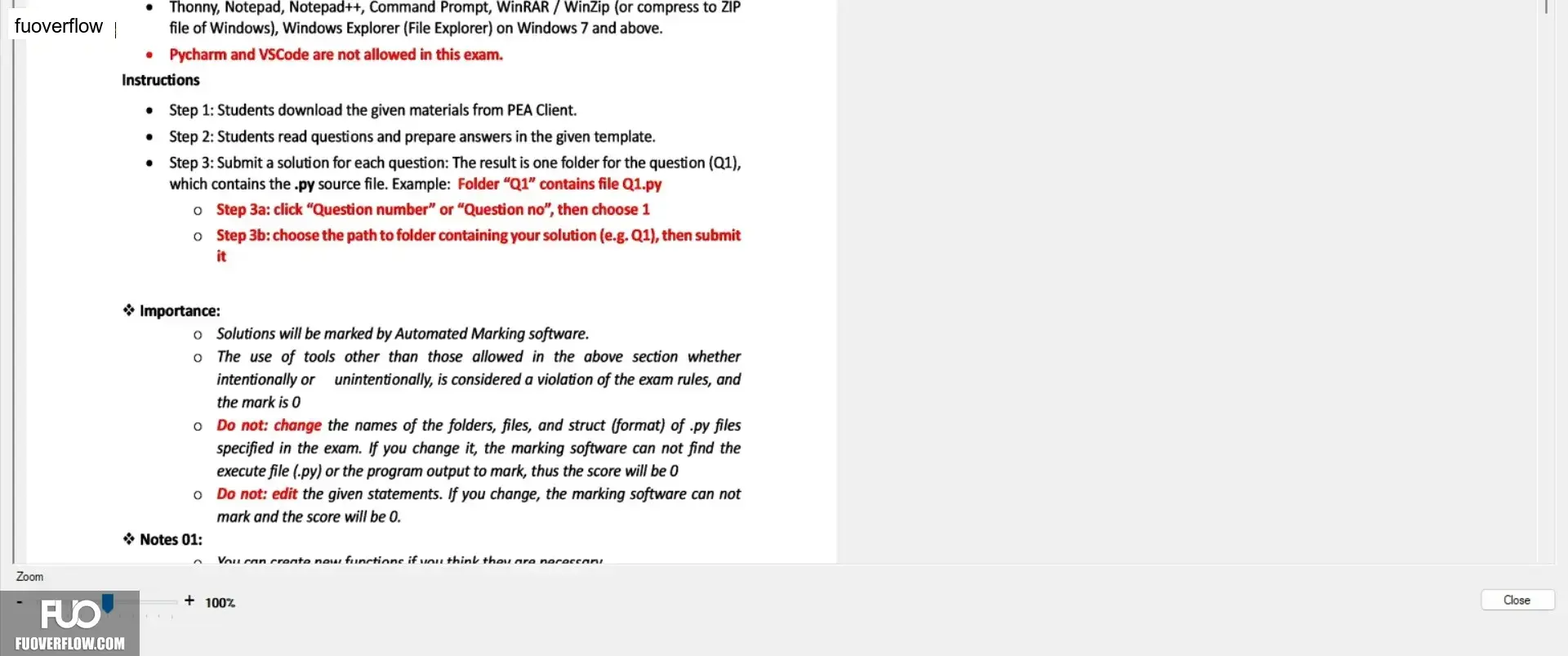
• Thonny, Notepad, Notepad++, Command Prompt, WinRAR / WinZip (or compress to ZIP
file of Windows), Windows Explorer (File Explorer) on Windows 7 and above.
 Pycharm and VSCode are not allowed in this exam.
Instructions
. Step 1: Students download the given materials from PEA Client.
• Step 2: Students read questions and prepare answers in the given template.
• Step 3: Submit a solution for each question: The result is one folder for the question (Q1),
which contains the .py source file. Example: Folder "Q1" contains file Q1.py
o Step 3a: click "Question number" or "Question no", then choose 1
o Step 3b: choose the path to folder containing your solution (e.g. Q1), then submit
it
Zoom
❖ Importance:
o Solutions will be marked by Automated Marking software.
°
The use of tools other than those allowed in the above section whether
intentionally or
unintentionally, is considered a violation of the exam rules, and
the mark is 0
• Do not: change the names of the folders, files, and struct (format) of .py files
specified in the exam. If you change it, the marking software can not find the
execute file (.py) or the program output to mark, thus the score will be 0
• Do not: edit the given statements. If you change, the marking software can not
mark and the score will be 0.
✰ Notes 01:
Vou can create new functions if you think they are necessani
+ 100%
Close
• Thonny, Notepad, Notepad++, Command Prompt, WinRAR / WinZip (or compress to ZIP
file of Windows), Windows Explorer (File Explorer) on Windows 7 and above.
Pycharm and VSCode are not allowed in this exam.Instructions
. Step 1: Students download the given materials from PEA Client.
• Step 2: Students read questions and prepare answers in the given template.
• Step 3: Submit a solution for each question: The result is one folder for the question (Q1),
which contains the .py source file. Example: Folder "Q1" contains file Q1.py
o Step 3a: click "Question number" or "Question no", then choose 1
o Step 3b: choose the path to folder containing your solution (e.g. Q1), then submit
it
Zoom
❖ Importance:
o Solutions will be marked by Automated Marking software.
°
The use of tools other than those allowed in the above section whether
intentionally or
unintentionally, is considered a violation of the exam rules, and
the mark is 0
• Do not: change the names of the folders, files, and struct (format) of .py files
specified in the exam. If you change it, the marking software can not find the
execute file (.py) or the program output to mark, thus the score will be 0
• Do not: edit the given statements. If you change, the marking software can not
mark and the score will be 0.
✰ Notes 01:
Vou can create new functions if you think they are necessani
+ 100%
Close