Question 1:
INSTRUCTIONS-PRACTICAL EXAM-PRF192
- PLEASE READ BEFORE STARTING YOUR EXAM
Software Requirements
Dev C++ 5.11, Command Prompt, Notepad, WinRAR / WinZip with Windows Explorer (File Explorer) on Windows 7 and above.
Students are ONLY Allowed to use:
His/her study materials like sample codes and program examples are stored on his / her computer only.
Instructions
Step 1: Students download given materials from exam software.
Step 2: Students read questions and prepare answers in the given template.
Step 3: Prepare to submit the answer:
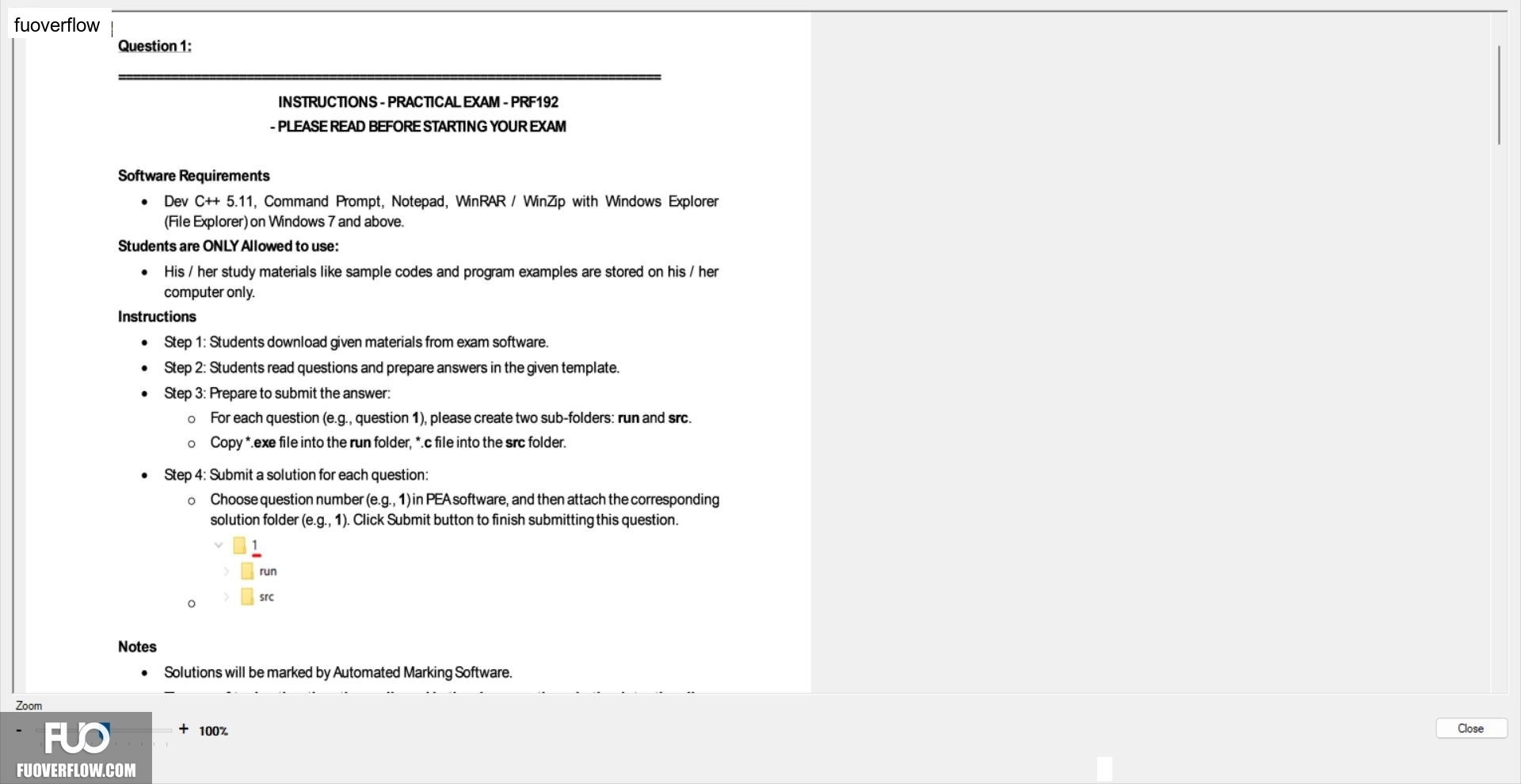
For each question (e.g., question 1), please create two sub-folders: run and src.
• Copy*.exe file into the run folder, *.c file into the src folder.
Step 4: Submit a solution for each question:
Choose question number (e.g., 1) in PEA software, and then attach the corresponding solution folder (e.g., 1). Click Submit button to finish submitting this question.
1
run
src
Notes
Solutions will be marked by Automated Marking Software.
+ 100%
Zoom
Close