Question 1:
INSTRUCTIONS - PRACTICAL EXAM - PRF192
- PLEASE READ BEFORE STARTING YOUR EXAM
Software Requirements
Dev C++ 5.11, Command Prompt, Notepad, WinRAR / WinZip with Windows Explorer (File Explorer) on Windows 7 and above.
Students are ONLY Allowed to use:
His/her study materials like sample codes and program examples are stored on his/her computer only.
Instructions
Step 1: Students download the given materials from the exam software.
Step 2: Students read questions and prepare answers in the given template.
Step 3: Prepare to submit the answer:
• For each question (e.g., question 1), please create two sub-folders: run and src.
• Copy the *.exe file into the run folder, and the *.c file into the src folder.
Step 4: Submit a solution for each question:
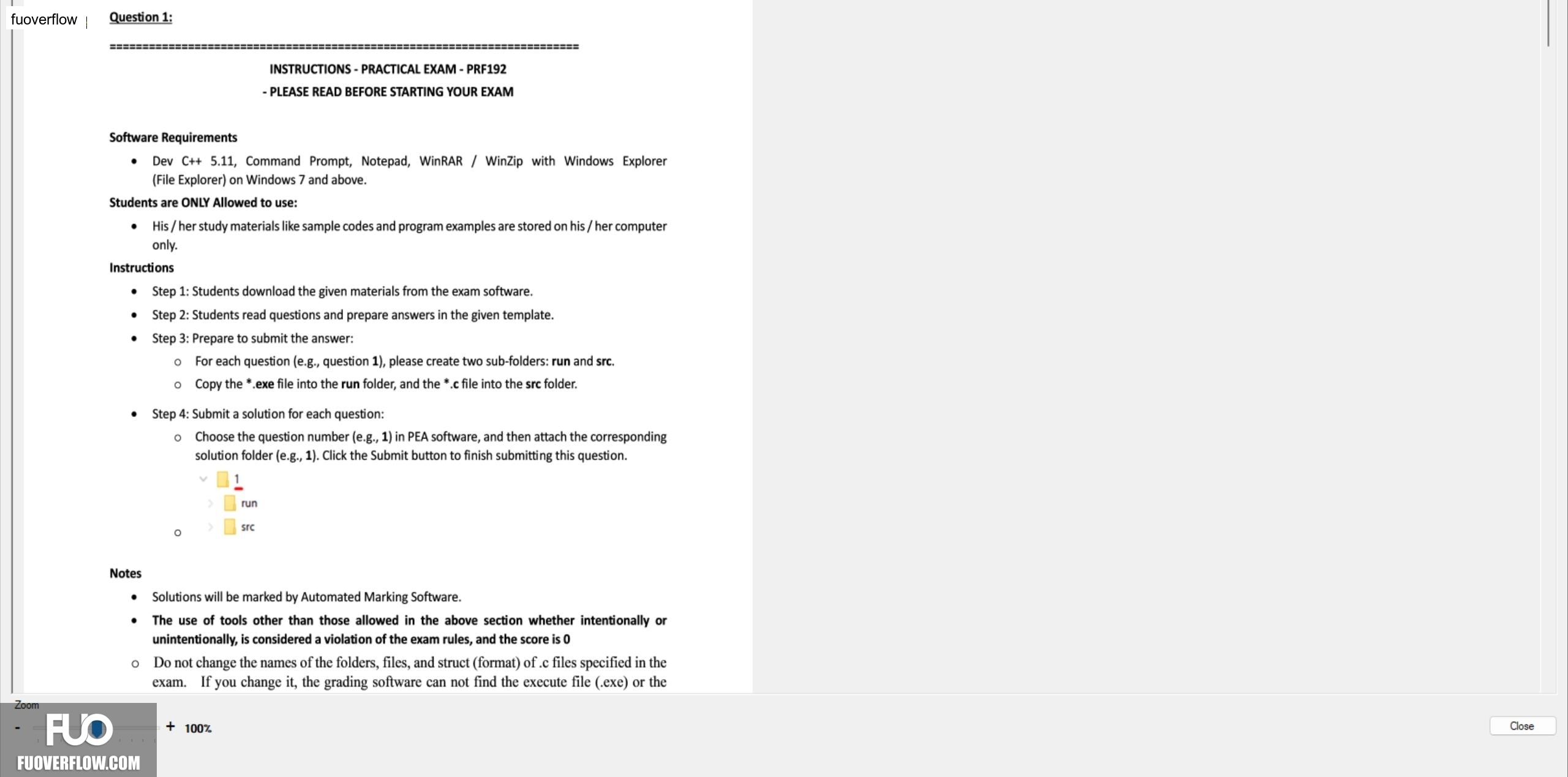
• Choose the question number (e.g., 1) in PEA software, and then attach the corresponding solution folder (e.g., 1). Click the Submit button to finish submitting this question.
1
run
> src
Notes
Solutions will be marked by Automated Marking Software.
The use of tools other than those allowed in the above section whether intentionally or unintentionally, is considered a violation of the exam rules, and the score is 0
Do not change the names of the folders, files, and struct (format) of .c files specified in the exam. If you change it, the grading software can not find the execute file (.exe) or the
+ 100%
Zoom
Close