☑Kizspy.me
His/her study materials like sample codes and program examples are stored on his / her
computer only.
Instructions
•
Step 1: Students download given materials from exam software.
•
Step 2: Students read questions and prepare answers in the given template.
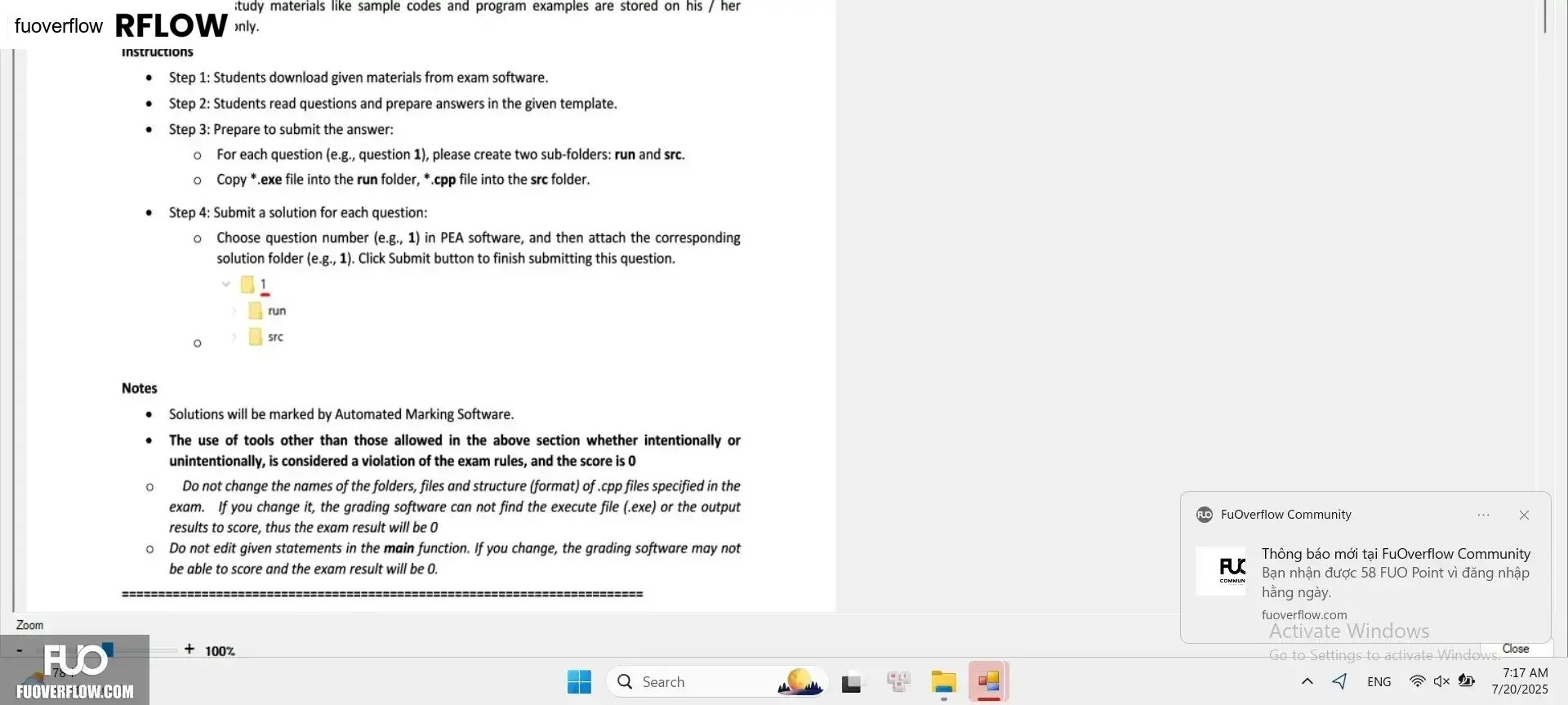
• Step 3: Prepare to submit the answer:
о
For each question (e.g., question 1), please create two sub-folders: run and src.
.
o Copy*.exe file into the run folder, *.cpp file into the src folder.
Step 4: Submit a solution for each question:
°
Choose question number (e.g., 1) in PEA software, and then attach the corresponding
solution folder (e.g., 1). Click Submit button to finish submitting this question.
run
src
°
Notes
. Solutions will be marked by Automated Marking Software.
•
о
о
The use of tools other than those allowed in the above section whether intentionally or
unintentionally, is considered a violation of the exam rules, and the score is 0
Do not change the names of the folders, files and structure (format) of.cpp files specified in the
exam. If you change it, the grading software can not find the execute file (.exe) or the output
results to score, thus the exam result will be 0
Do not edit given statements in the main function. If you change, the grading software may not
be able to score and the exam result will be 0.
+100%
Q Search
FUC
COMMUN
×
Bạn nhận được 58 FUO Point vì đăng nhập
hằng ngày.
Activate Windows
Go to Settings to activate Windows.
~ 4 ENG
Close
7:17 AM
7/20/2025
Zoom