☑Kizspy.me
Notes
.
Step 3: Prepare to submit answer:
o For each question (e.g., question 1), please create two sub-folders: run and src.
o From question 1 to question 5, copy the *.exe file to the run folder, the *.c file to the src
folder.
。 Question 6 and question 7, copy the *.exe file to the run folder, the *.cpp file to the src
folder.
Step 4: Submit solution for each question:
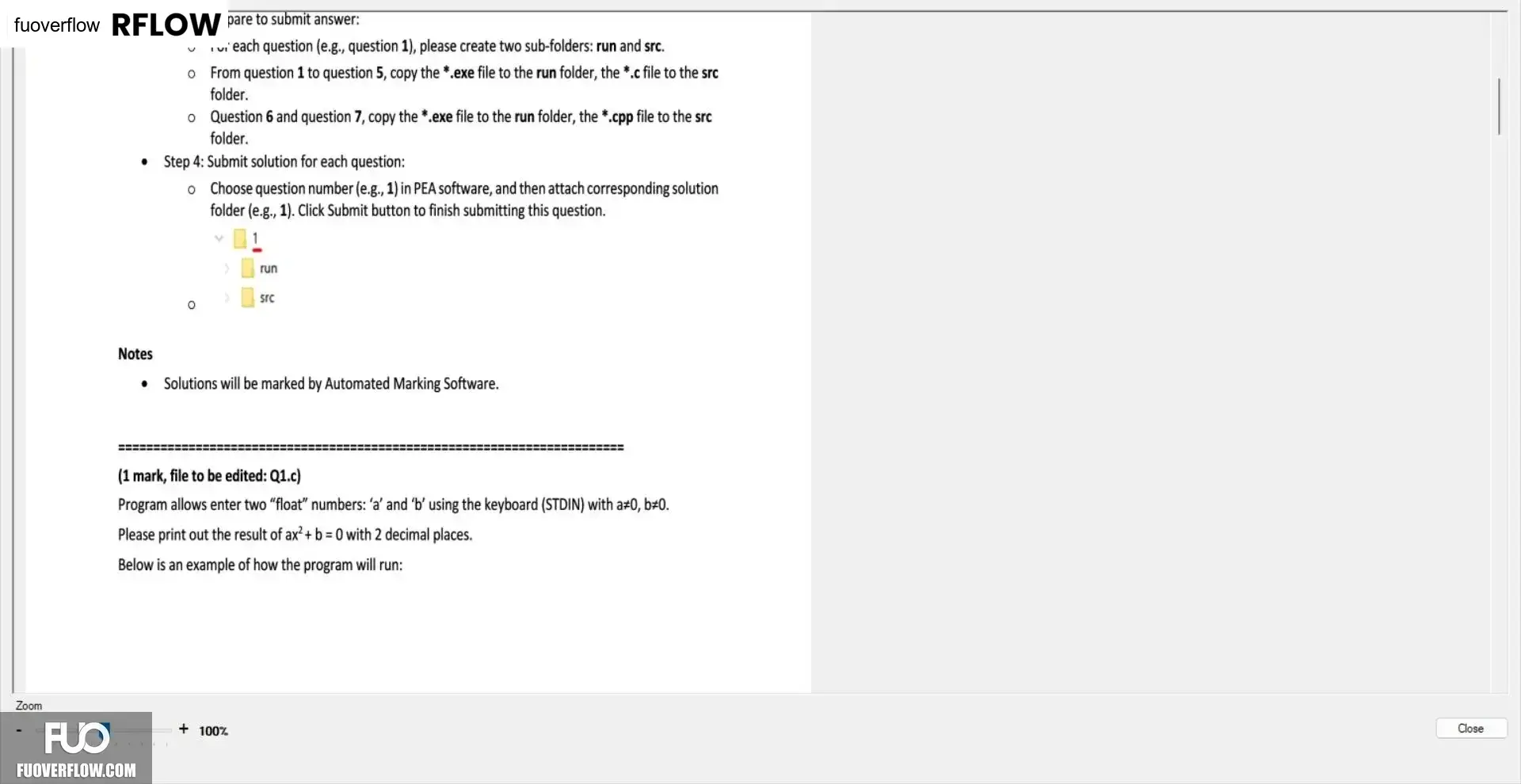
o Choose question number (e.g., 1) in PEA software, and then attach corresponding solution
folder (e.g., 1). Click Submit button to finish submitting this question.
run
Src
о
Solutions will be marked by Automated Marking Software.
(1 mark, file to be edited: Q1.c)
Program allows enter two "float" numbers: 'a' and 'b' using the keyboard (STDIN) with a#0, b#0.
Please print out the result of ax2 + b = 0 with 2 decimal places.
Below is an example of how the program will run:
Zoom
+ 100%
Close