5 Update
Zoom
After successful login
On Currency Exchange Rate page, the list of currencies is shown with "Update" button in each row.
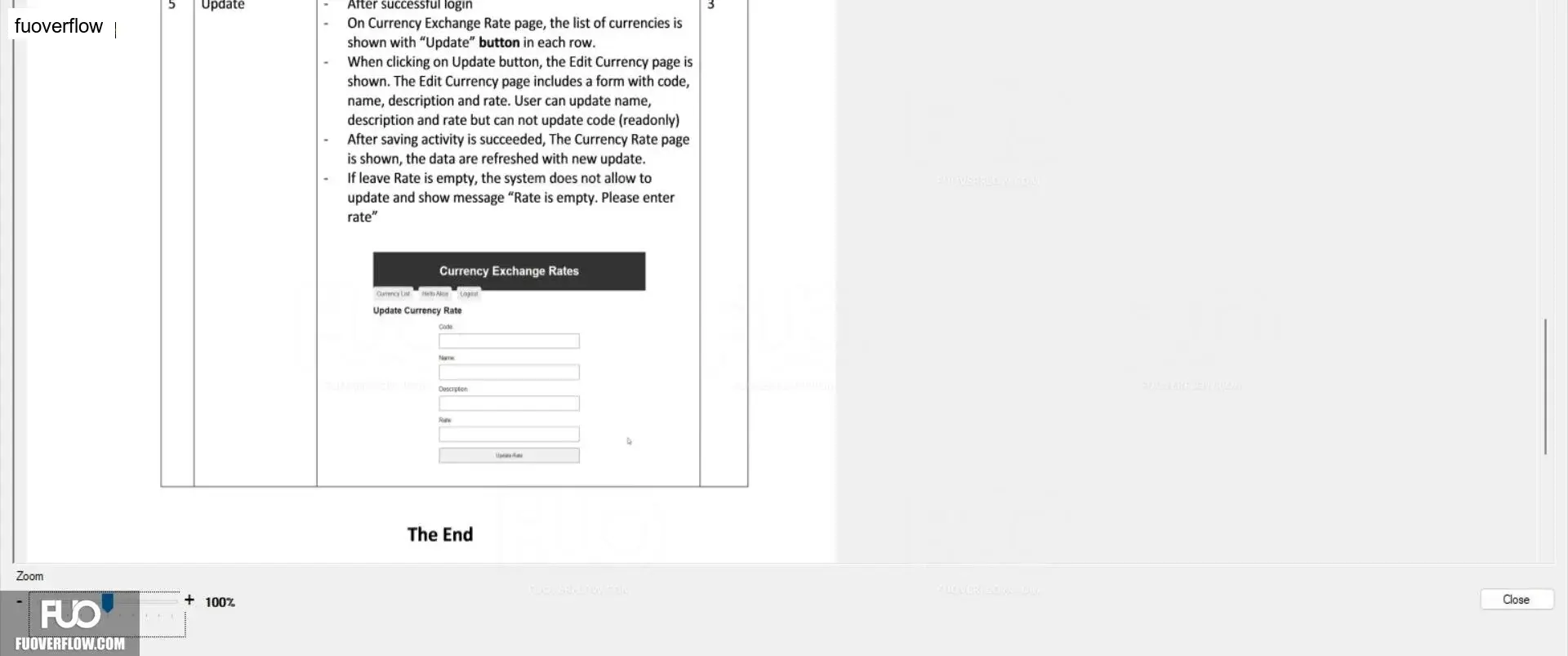
When clicking on Update button, the Edit Currency page is shown. The Edit Currency page includes a form with code,name, description and rate. User can update name,description and rate but can not update code (readonly)After saving activity is succeeded, The Currency Rate page is shown, the data are refreshed with new update.If leave Rate is empty, the system does not allow to update and show message "Rate is empty. Please enter rate"
Currency Exchange Rates
Garency List Hels Alce Logout
Update Currency Rate
Code
Description
The End
3
FUO
100%
Close