DI. LEC
Prof. Patel
Dr. Garcia
Prof. Kim
Dr. Davis
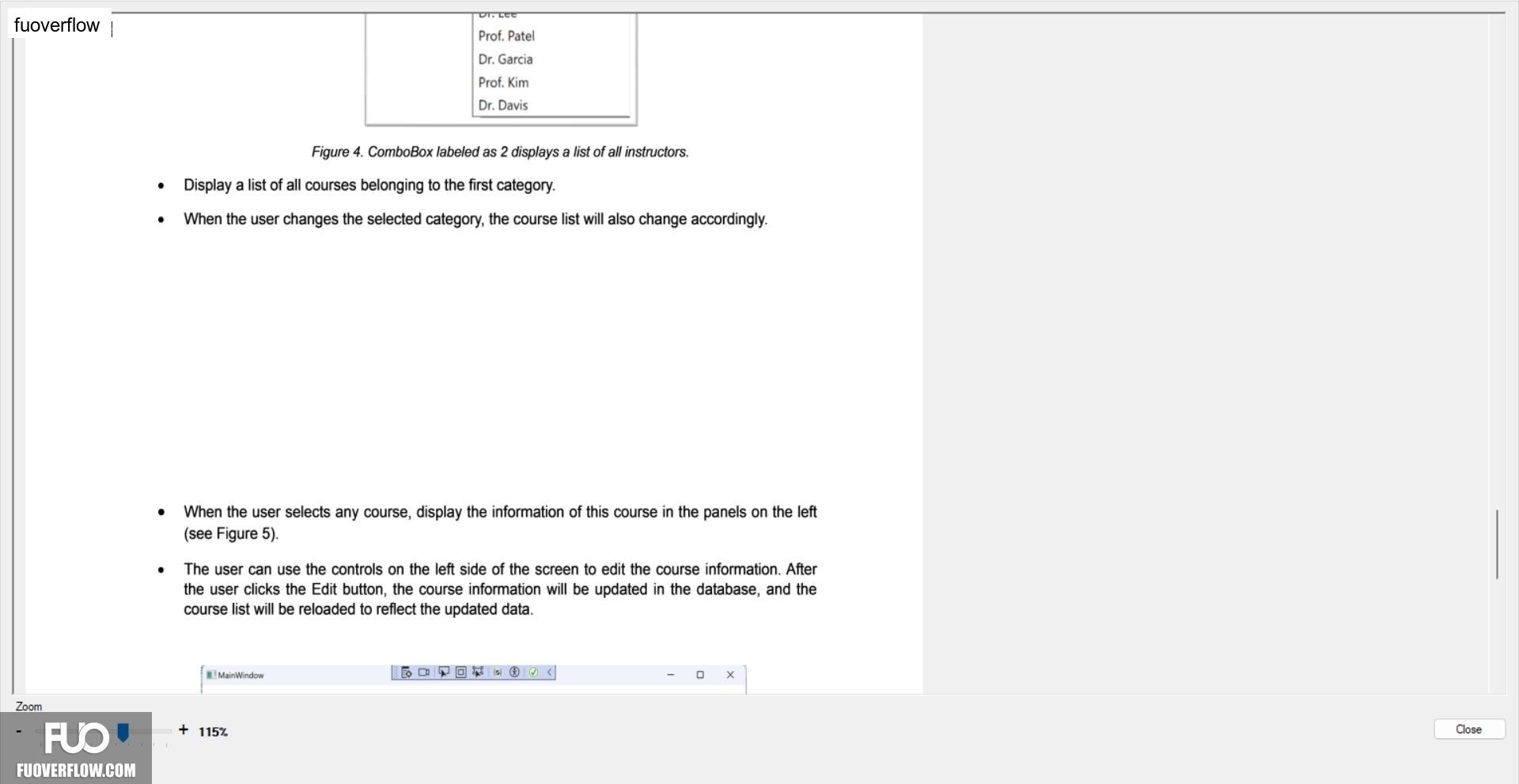
Figure 4. ComboBox labeled as 2 displays a list of all instructors.
Display a list of all courses belonging to the first category.
When the user changes the selected category, the course list will also change accordingly.
When the user selects any course, display the information of this course in the panels on the left (see Figure 5).
The user can use the controls on the left side of the screen to edit the course information. After the user clicks the Edit button, the course information will be updated in the database, and the course list will be reloaded to reflect the updated data.
MainWindow
X
Close
+ 115%
Zoom