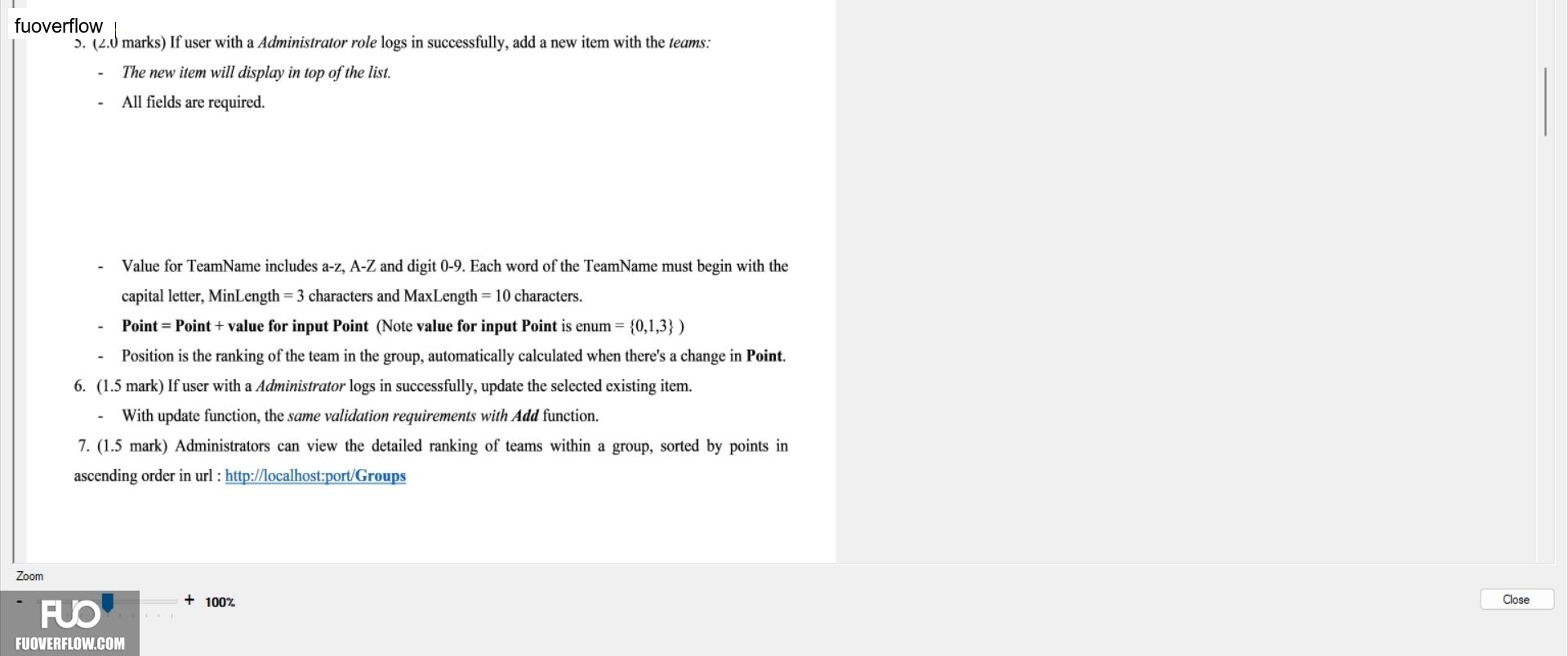
5. (2.0 marks) If user with a Administrator role logs in successfully, add a new item with the teams:The new item will display in top of the list.
All fields are required.
Value for TeamName includes a-z, A-Z and digit 0-9. Each word of the TeamName must begin with the capital letter, MinLength = 3 characters and MaxLength = 10 characters.
Point = Point + value for input Point (Note value for input Point is enum = {0,1,3})
Position is the ranking of the team in the group, automatically calculated when there's a change in Point.
6. (1.5 mark) If user with a Administrator logs in successfully, update the selected existing item.With update function, the same validation requirements with Add function.
7. (1.5 mark) Administrators can view the detailed ranking of teams within a group, sorted by points in ascending order in url: http://localhost:port/Groups
Close
+ 100%
Zoom