Duration: 90 minutes
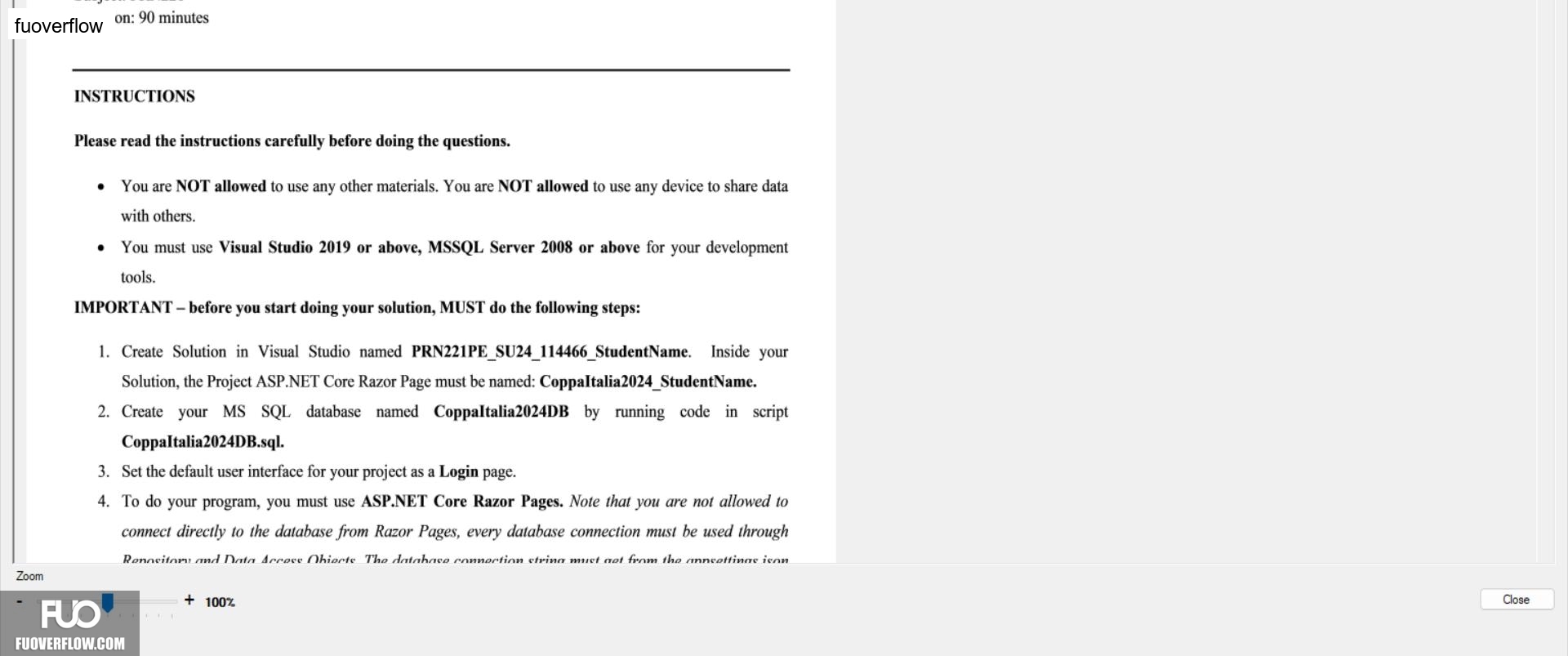
INSTRUCTIONS
Please read the instructions carefully before doing the questions.
You are NOT allowed to use any other materials. You are NOT allowed to use any device to share data with others.
You must use Visual Studio 2019 or above, MSSQL Server 2008 or above for your development tools.
IMPORTANT - before you start doing your solution, MUST do the following steps:
1. Create Solution in Visual Studio named PRN221PE_SU24_114466_StudentName. Inside your Solution, the Project ASP.NET Core Razor Page must be named: Coppa Italia2024_StudentName.
2. Create your MS SQL database named Coppaltalia2024DB by running code in script CoppaItalia2024DB.sql.
3. Set the default user interface for your project as a Login page.
4. To do your program, you must use ASP.NET Core Razor Pages. Note that you are not allowed to connect directly to the database from Razor Pages, every database connection must be used through
Renository and Data Access Obiects The database connection string must get from the annsettings ison
Close
+ 100%
Zoom