☑Kizspy.me
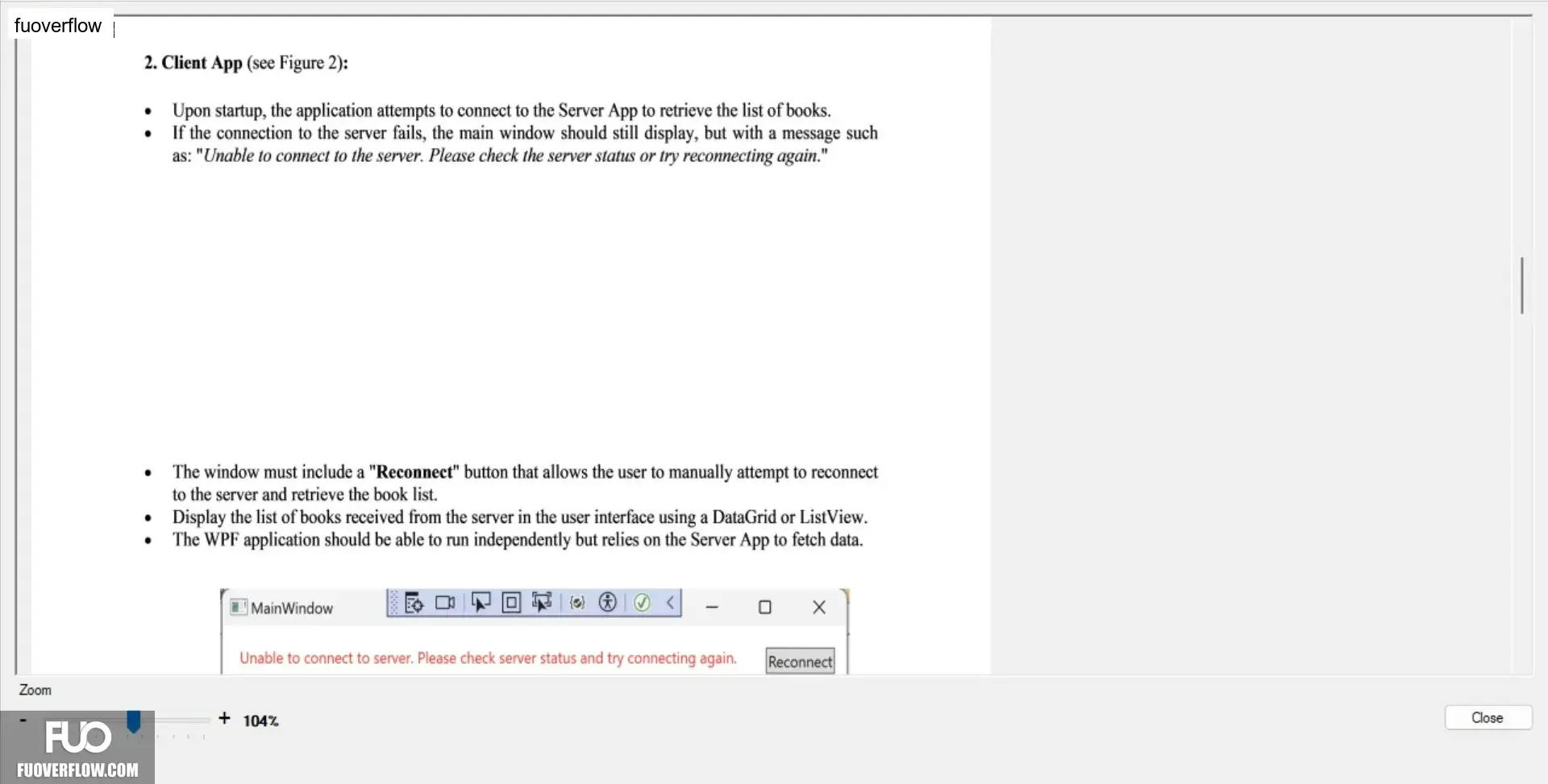
2. Client App (see Figure 2):
•
Upon startup, the application attempts to connect to the Server App to retrieve the list of books.
If the connection to the server fails, the main window should still display, but with a message such
as: "Unable to connect to the server. Please check the server status or try reconnecting again."
Zoom
•
The window must include a "Reconnect" button that allows the user to manually attempt to reconnect
to the server and retrieve the book list.
• Display the list of books received from the server in the user interface using a DataGrid or ListView.
•
The WPF application should be able to run independently but relies on the Server App to fetch data.
MainWindow
Unable to connect to server. Please check server status and try connecting again. Reconnect
+ 104%
Close