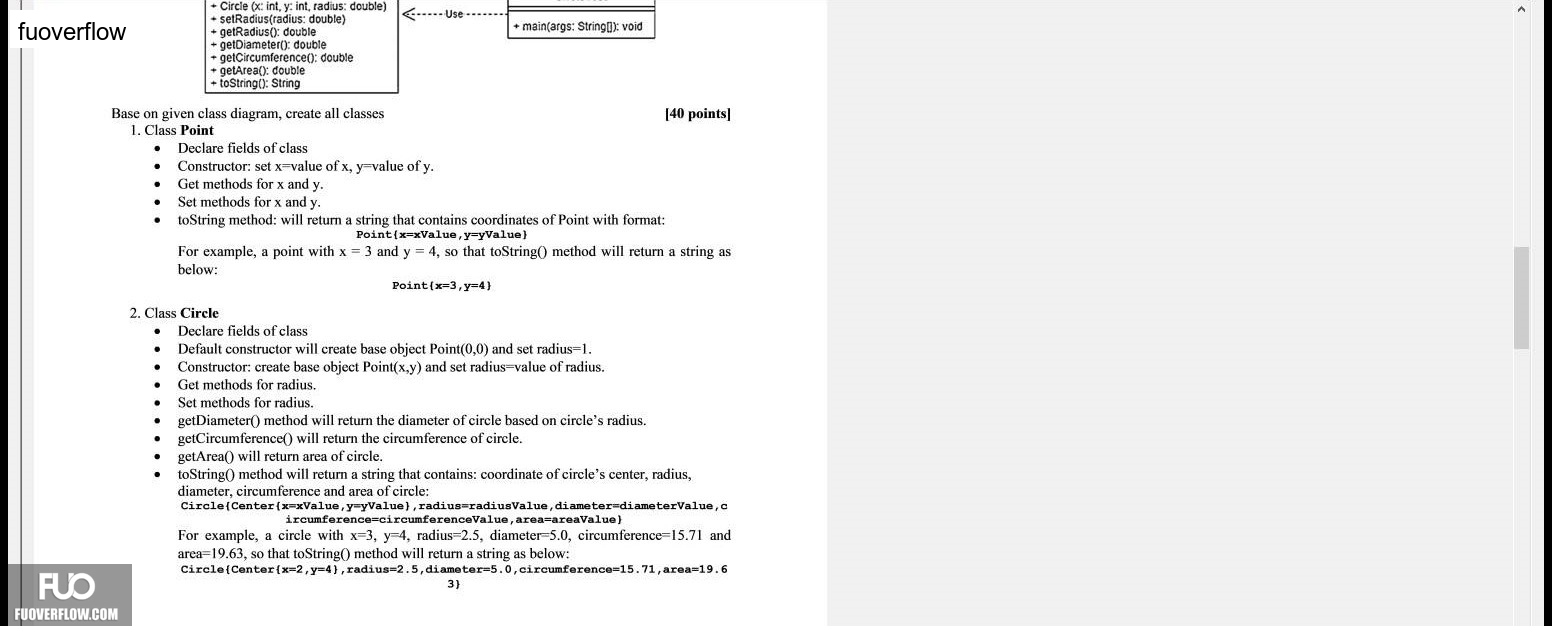
Circle (x: int, y: int, radius: double)
-----Use
setRadius(radius: double)
+ main(args: String[]): void
getRadius(): double
getDiameter(): double
+ getCircumference(); double
getArea(): double
+ toString(): String
Base on given class diagram, create all classes
[40 points]
1. Class Point
Declare fields of class
Constructor: set x=value of x, y=value of y.
Get methods for x and y.
Set methods for x and y.
toString method: will return a string that contains coordinates of Point with format:
Point{x=xValue,y=yValue}
For example, a point with x=3 and v=4. so that toString() method will return a string as
below:
Point( c=3 y=4\}
2. Class Circle
Declare fields of class
Default constructor will create base object Point(0,0) and set radius=1.
Constructor: create base object Point(x,y) and set radius-value of radius.
Get methods for radius.
Set methods for radius.
getDiameter() method will return the diameter of circle based on circle's radius.
getCircumference() will return the circumference of circle.
getArea() will return area of circle.
toString() method will return a string that contains: coordinate of circle's center, radius,diameter, circumference and area of circle:Circle(Center{x=xValue,y=yValue), radius=radiusValue, diameter diameterValue,c
ircumference=circumferenceValue , area=areaValue)For example, a circle with x=3. y=4, radius=2.5, diameter 5.0, circumference=15.71 and area=19.63, so that toString() method will return a string as below:
Circle (Center(x=2, v=4y , radius=2.5, diameter 5.0,circumference=15.71,area=19.6 3)