☑Kizspy.me
Question 1:
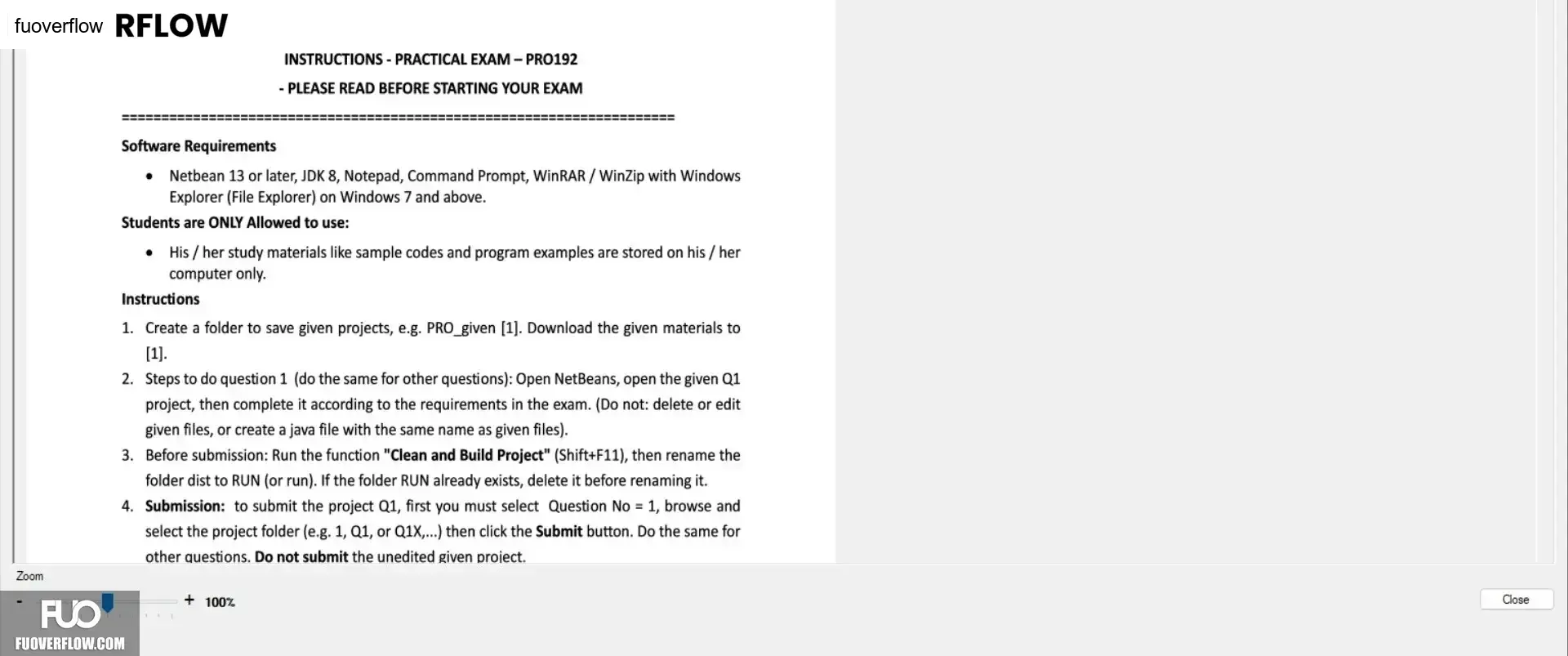
INSTRUCTIONS - PRACTICAL EXAM - PRO192
- PLEASE READ BEFORE STARTING YOUR EXAM
Software Requirements
• Netbean 13 or later, JDK 8, Notepad, Command Prompt, WinRAR / WinZip with Windows
Explorer (File Explorer) on Windows 7 and above.
Students are ONLY Allowed to use:
His/her study materials like sample codes and program examples are stored on his/her
computer only.
Instructions
1. Create a folder to save given projects, e.g. PRO_given [1]. Download the given materials to
[1].
2. Steps to do question 1 (do the same for other questions): Open NetBeans, open the given Q1
project, then complete it according to the requirements in the exam. (Do not: delete or edit
given files, or create a java file with the same name as given files).
3. Before submission: Run the function "Clean and Build Project" (Shift+F11), then rename the
folder dist to RUN (or run). If the folder RUN already exists, delete it before renaming it.
4. Submission: to submit the project Q1, first you must select Question No = 1, browse and
select the project folder (e.g. 1, Q1, or Q1X,...) then click the Submit button. Do the same for
other questions. Do not submit the unedited given project.
+100%
Zoom
Close