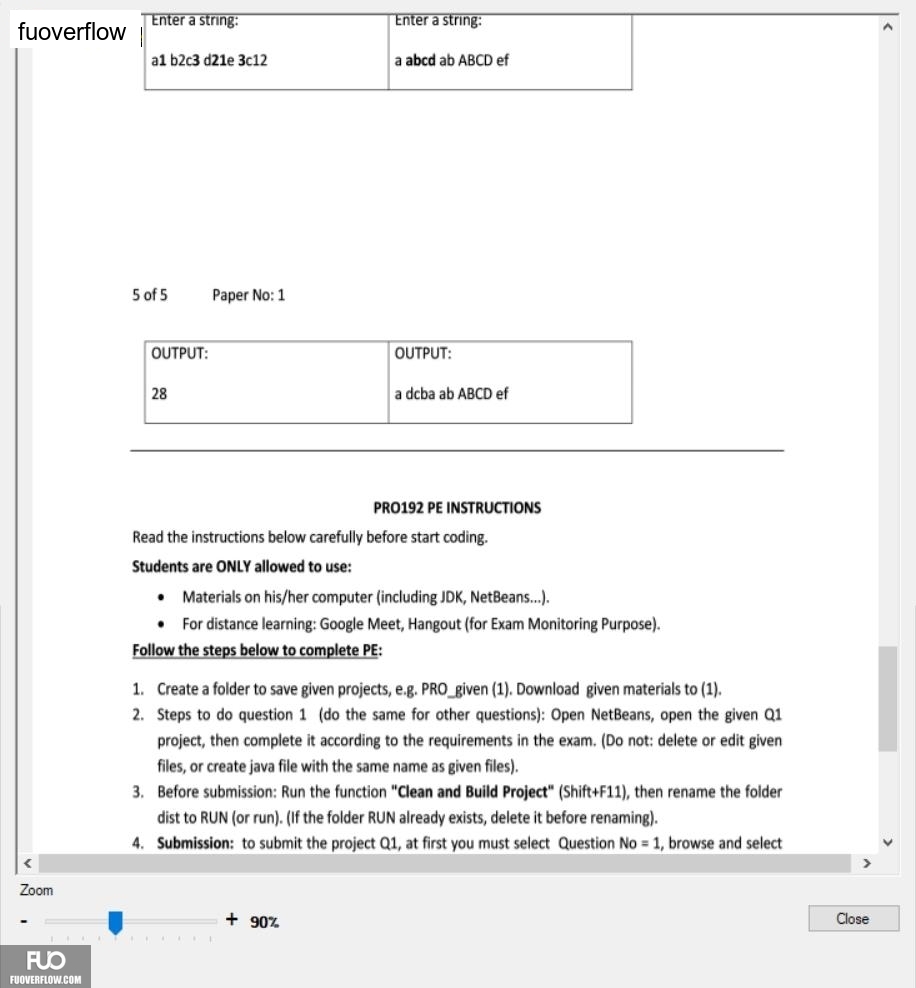
Enter a string:a1 b2c3 d21e 3c12
Enter a string:a abcd ab ABCD ef
5 of 5
Paper No: 1
OUTPUT:28
OUTPUT:a dcba ab ABCD ef
PRO192 PE INSTRUCTIONS
Read the instructions below carefully before start coding.
Students are ONLY allowed to use:
Materials on his/her computer (including JDK, NetBeans...).
For distance learning: Google Meet, Hangout (for Exam Monitoring Purpose).
Follow the steps below to complete PE:
1. Create a folder to save given projects, e.g. PRO_given (1). Download given materials to (1).
2. Steps to do question 1 (do the same for other questions): Open NetBeans, open the given Q1 project, then complete it according to the requirements in the exam. (Do not: delete or edit given files, or create java file with the same name as given files).
3. Before submission: Run the function "Clean and Build Project" (Shift+F11), then rename the folder
dist to RUN (or run). (If the folder RUN already exists, delete it before renaming).
4. Submission: to submit the project Q1, at first you must select Question No 1, browse and select
< Zoom
+ 90%
>
Close