☑Kizspy.me
Zoom
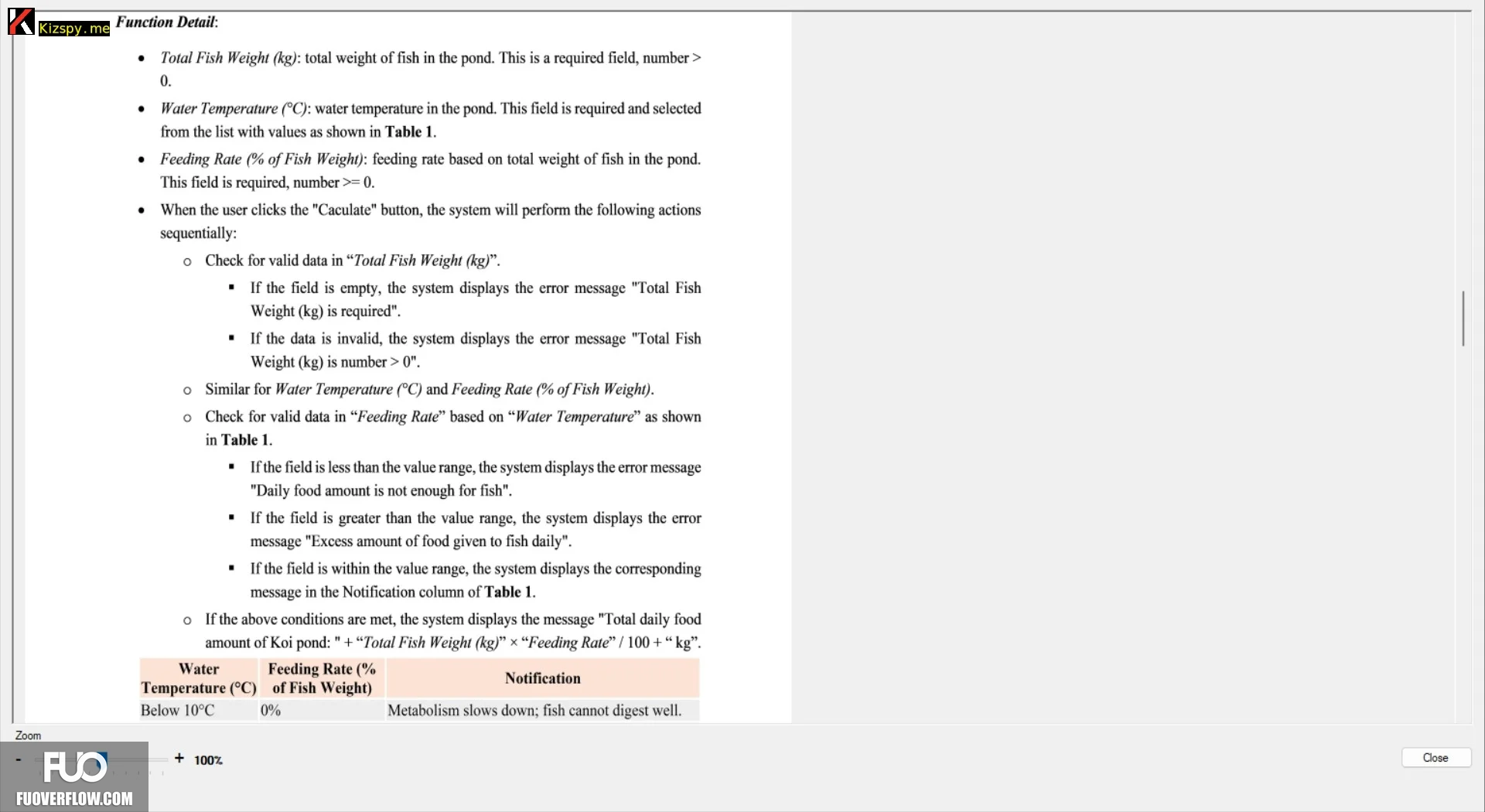
Function Detail:
•
•
Total Fish Weight (kg): total weight of fish in the pond. This is a required field, number>
0.
Water Temperature (°C): water temperature in the pond. This field is required and selected
from the list with values as shown in Table 1.
• Feeding Rate (% of Fish Weight): feeding rate based on total weight of fish in the pond.
This field is required, number >= 0.
• When the user clicks the "Caculate" button, the system will perform the following actions
sequentially:
。 Check for valid data in "Total Fish Weight (kg)".
"
If the field is empty, the system displays the error message "Total Fish
Weight (kg) is required".
If the data is invalid, the system displays the error message "Total Fish
Weight (kg) is number > 0".
。 Similar for Water Temperature (°C) and Feeding Rate (% of Fish Weight).
。 Check for valid data in "Feeding Rate” based on "Water Temperature" as shown
in Table 1.
■ If the field is less than the value range, the system displays the error message
"Daily food amount is not enough for fish".
If the field is greater than the value range, the system displays the error
message "Excess amount of food given to fish daily".
■If the field is within the value range, the system displays the corresponding
message in the Notification column of Table 1.
If the above conditions are met, the system displays the message "Total daily food
amount of Koi pond: " + "Total Fish Weight (kg)" "Feeding Rate” / 100+ "kg".
Water
Temperature (°C)
Below 10°C
+ 100%
Feeding Rate (%
Notification
of Fish Weight)
0%
Metabolism slows down; fish cannot digest well.
Close