Zoom
Question 1:
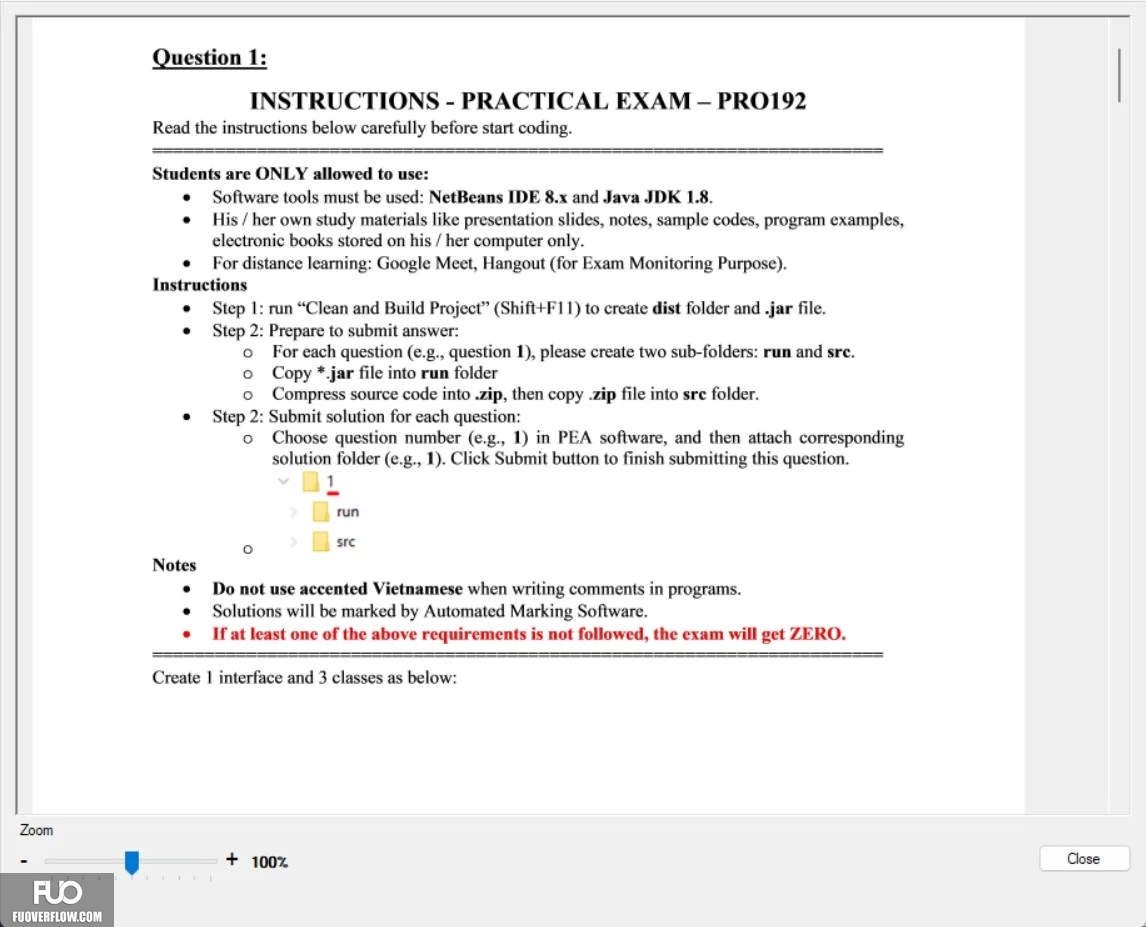
INSTRUCTIONS - PRACTICAL EXAM - PRO192
Read the instructions below carefully before start coding.
Students are ONLY allowed to use:
Software tools must be used: NetBeans IDE 8.x and Java JDK 1.8.
His/her own study materials like presentation slides, notes, sample codes, program examples,
electronic books stored on his/her computer only.
• For distance learning: Google Meet, Hangout (for Exam Monitoring Purpose).
Instructions
Step 1: run "Clean and Build Project" (Shift+F11) to create dist folder and .jar file.
Step 2: Prepare to submit answer:
о For each question (e.g., question 1), please create two sub-folders: run and src.
o Copy *.jar file into run folder
o Compress source code into .zip, then copy .zip file into src folder.
Step 2: Submit solution for each question:
o Choose question number (e.g., 1) in PEA software, and then attach corresponding
solution folder (e.g., 1). Click Submit button to finish submitting this question.
run
src
Notes
.
•
Do not use accented Vietnamese when writing comments in programs.
Solutions will be marked by Automated Marking Software.
If at least one of the above requirements is not followed, the exam will get ZERO.
Create 1 interface and 3 classes as below:
+ 100%
Close