-

Cùng tham gia nhóm của FuOverflow trên Facebook https://www.facebook.com/groups/nvh2fuoverflow
I
Q1_20251120125449.webp
Bài viết gốc: Chủ đề 'SWT301 - FA25 - PE1'
Volume = 60.00 cm³
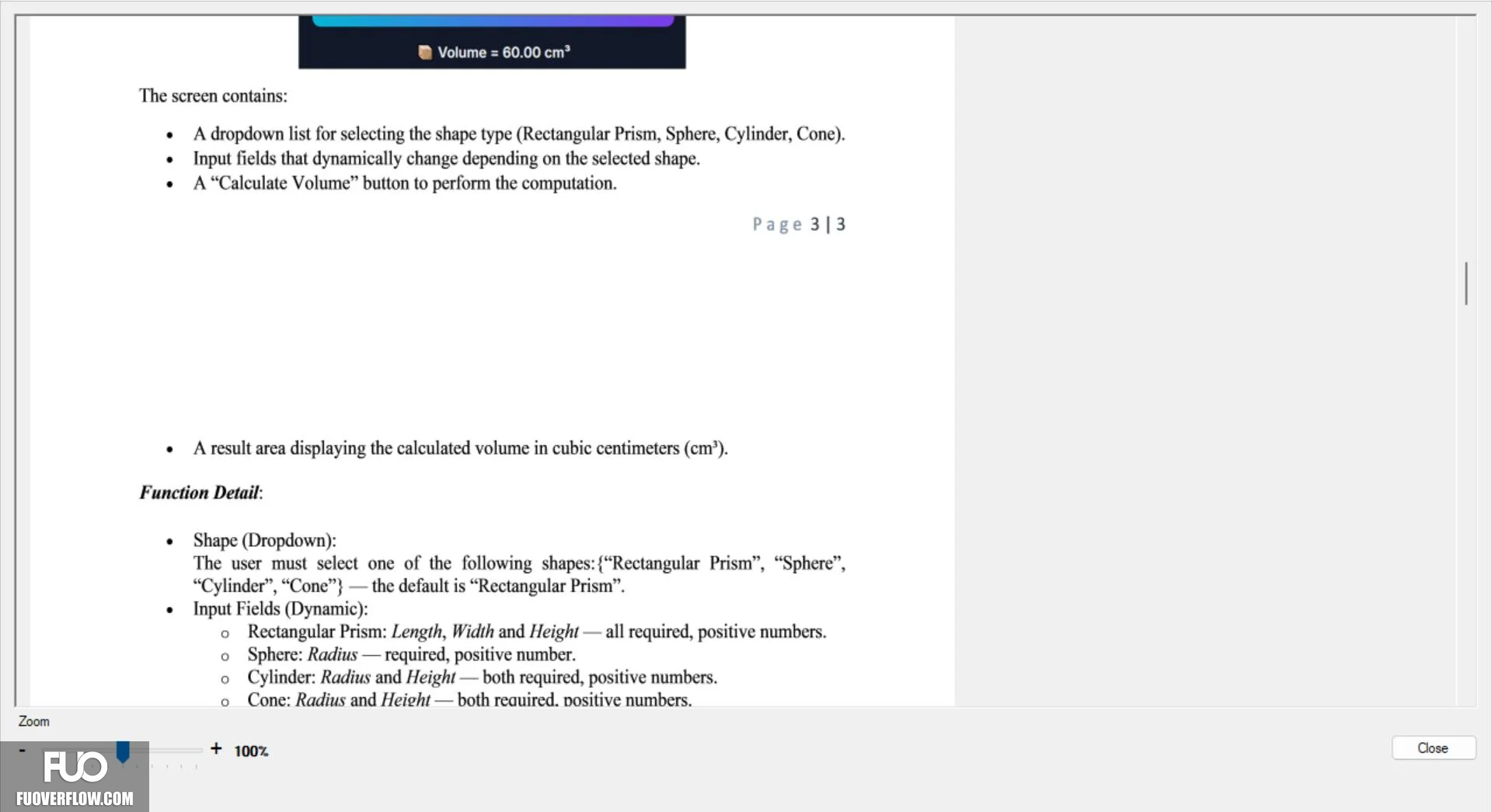
The screen contains:
A dropdown list for selecting the shape type (Rectangular Prism, Sphere, Cylinder, Cone).
 Input fields that dynamically change depending on the selected shape.
•
A "Calculate Volume" button to perform the computation.
Page 313
A result area displaying the calculated volume in cubic centimeters (cm³).
Function Detail:
Shape (Dropdown):
The user must select one of the following shapes: {"Rectangular Prism", "Sphere",
"Cylinder", "Cone"} -the default is "Rectangular Prism".
Input Fields (Dynamic):
。 Rectangular Prism: Length, Width and Height-all required, positive numbers.
。 Sphere: Radius-required, positive number.
。 Cylinder: Radius and Height - both required, positive numbers.
0
Cone: Radius and Height-both required. positive numbers.
Zoom
+ 100%
Close
The screen contains:
A dropdown list for selecting the shape type (Rectangular Prism, Sphere, Cylinder, Cone).
Input fields that dynamically change depending on the selected shape.•
A "Calculate Volume" button to perform the computation.
Page 313
A result area displaying the calculated volume in cubic centimeters (cm³).
Function Detail:
Shape (Dropdown):
The user must select one of the following shapes: {"Rectangular Prism", "Sphere",
"Cylinder", "Cone"} -the default is "Rectangular Prism".
Input Fields (Dynamic):。 Rectangular Prism: Length, Width and Height-all required, positive numbers.
。 Sphere: Radius-required, positive number.
。 Cylinder: Radius and Height - both required, positive numbers.
0
Cone: Radius and Height-both required. positive numbers.
Zoom
+ 100%
Close