Kizspy | Question: 45
(Choose 1 answer)
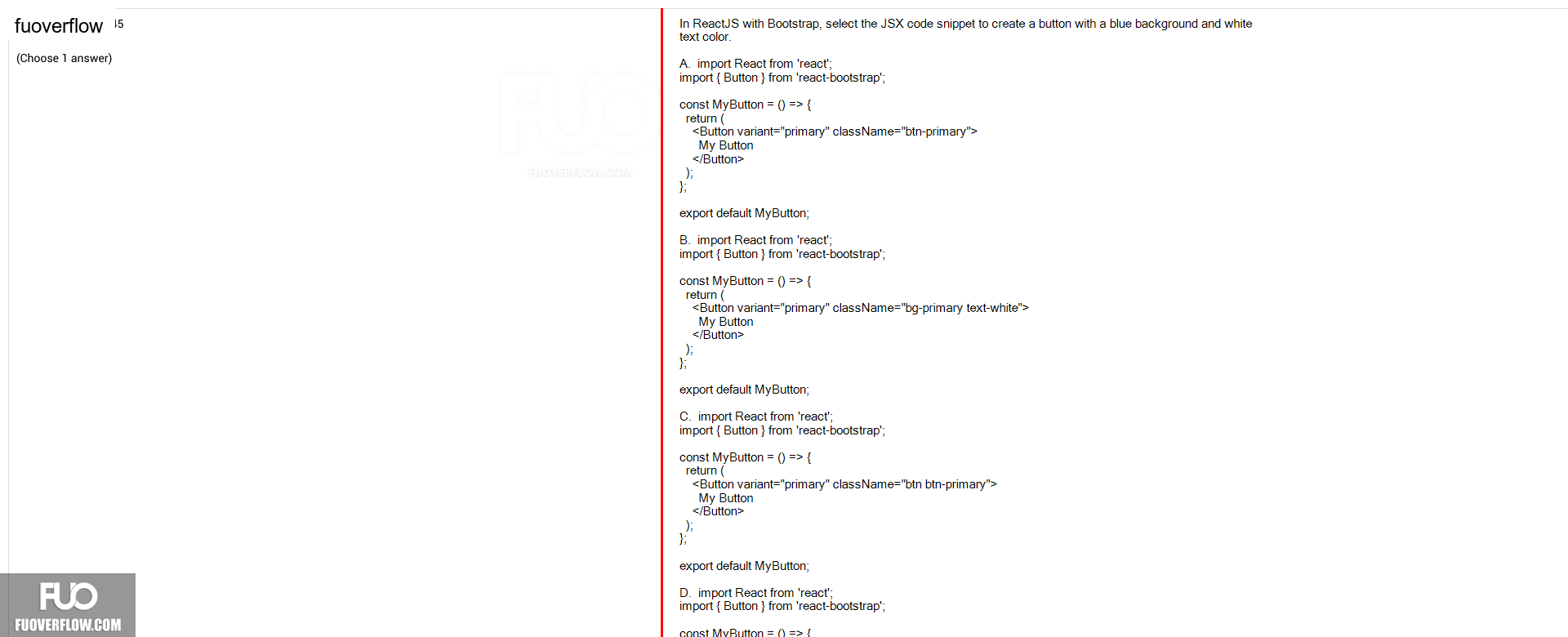
In ReactJS with Bootstrap, select the JSX code snippet to create a button with a blue background and white text color.
A. import React from 'react';import { Button } from 'react-bootstrap';
const MyButton = () => { return (
<Button variant="primary" className="btn-primary">My Button </Button>);};
export default MyButton;
B. import React from 'react';import { Button } from 'react-bootstrap';
const MyButton = () => {
return ( <Button variant="primary" className="bg-primary text-white">My Button </Button>);
};
export default MyButton;
C. import React from 'react';import { Button } from 'react-bootstrap';
const MyButton = () => {
return ( <Button variant="primary" className="btn btn-primary">);};
My Button </Button>
export default MyButton;
D. import React from 'react';
import { Button } from 'react-bootstrap';
const MyButton = () => {
FUOVER