Kizspy | Question: 9 (Choose 1 answer)
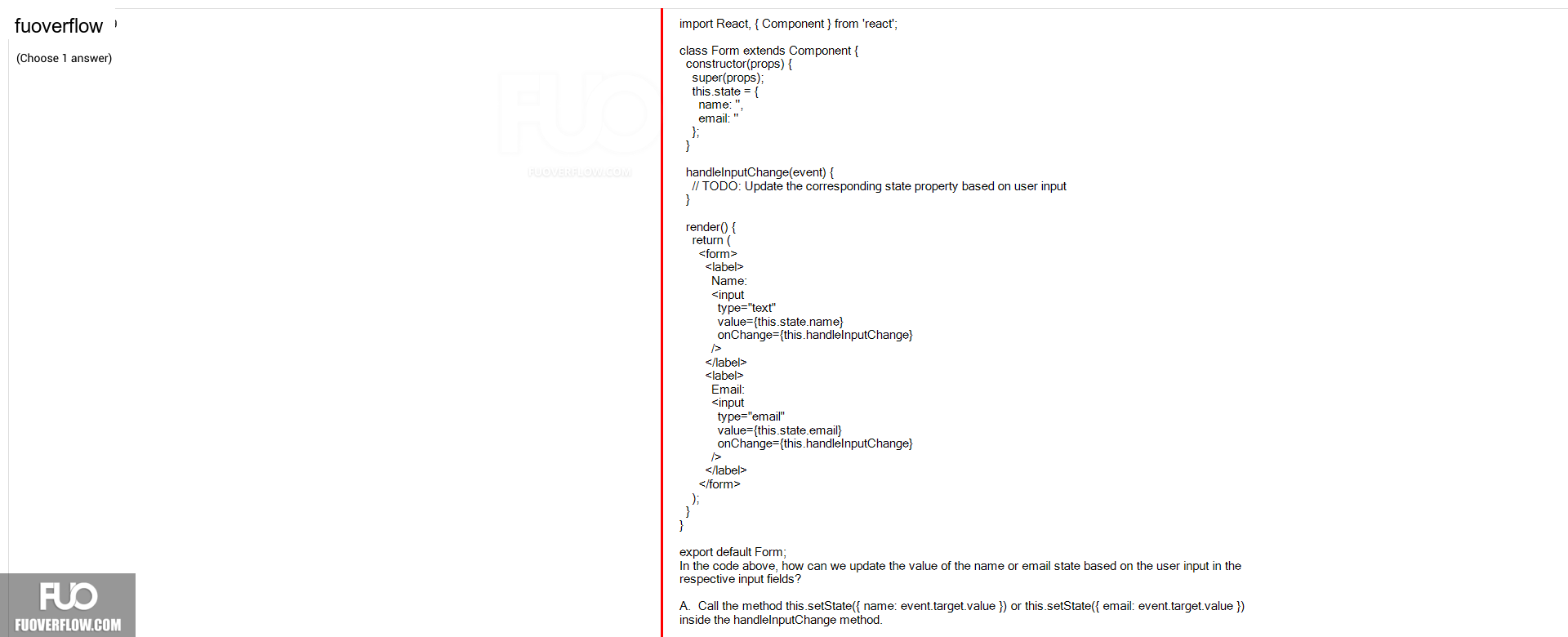
import React, { Component } from 'react';
class Form extends Component {
constructor(props) { super(props);
this.state = {
name:
email:
};
}
handleInputChange(event) {
// TODO: Update the corresponding state property based on user input }
render() { return (
<form><label>
Name:
<inputtype="text"
value={this.state.name}
onChange={this.handleInputChange}
/>/></label>
</label>
<label>Email:
<input
type="email"value={this.state.email}
onChange={this.handleInputChange}
</form>
export default Form;
In the code above, how can we update the value of the name or email state based on the user input in the respective input fields?
A. Call the method this.setState({ name: event.target.value }) or this.setState({ email: event.target.value })inside the handleInputChange method.
FUOVER